Have you dropped your phone in the water? Maybe it slipped down into the sink, got soaked in the heavy rain or forgot to take it out while going for a swim. It happens more frequently than you can think of, but here is the good news for you: many of the water-damaged phones can be restored if you take the right steps quickly. In this blog, we will guide you through a comprehensive recovery process, outline what to avoid, and provide tips on how to prevent future water damage.
Understanding Water Damage in Phones
Many people start panicking when their phones get wet, but understanding what happens inside the phone when it comes in contact with water will help you stay calm. Water affects smartphones in many ways :
- It can cause short circuits
- Corrosion may happen across the motherboard
- Speakers and microphones may also stop working
- The touchscreen of the smartphone will become unresponsive
Most of the damage to your phone doesn't happen immediately; it usually happens over a period of time as moisture interacts with the internal components. This means the earlier you act, the better chance you have of saving your device.
Immediate Steps to Recover a Water-Damaged Phone
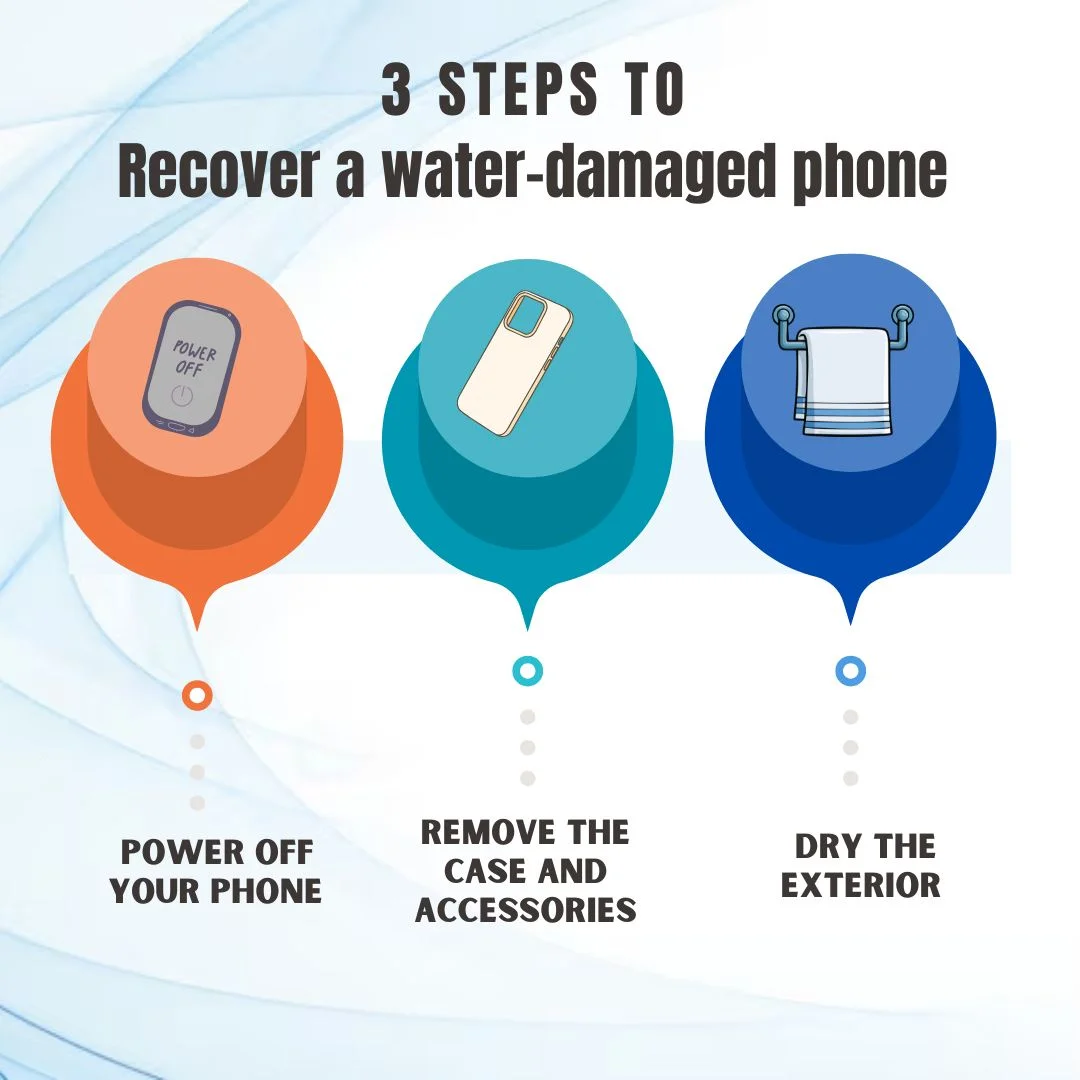
1. Turn Off Your Phone Right Away
If your phone appears to be working, you should turn it off immediately. Keeping the phone on will increase the chance of internal short circuits.
2. Remove the Case and Accessories
Take out the :
- SIM card
- Memory card
- Phone case
- Screen protector
This allows some air circulation and prevents the buildup of any moisture.
3. Dry the Exterior
Take a soft towel and gently wipe down the phone without pressing the water further.
Some of the Things which you should avoid doing
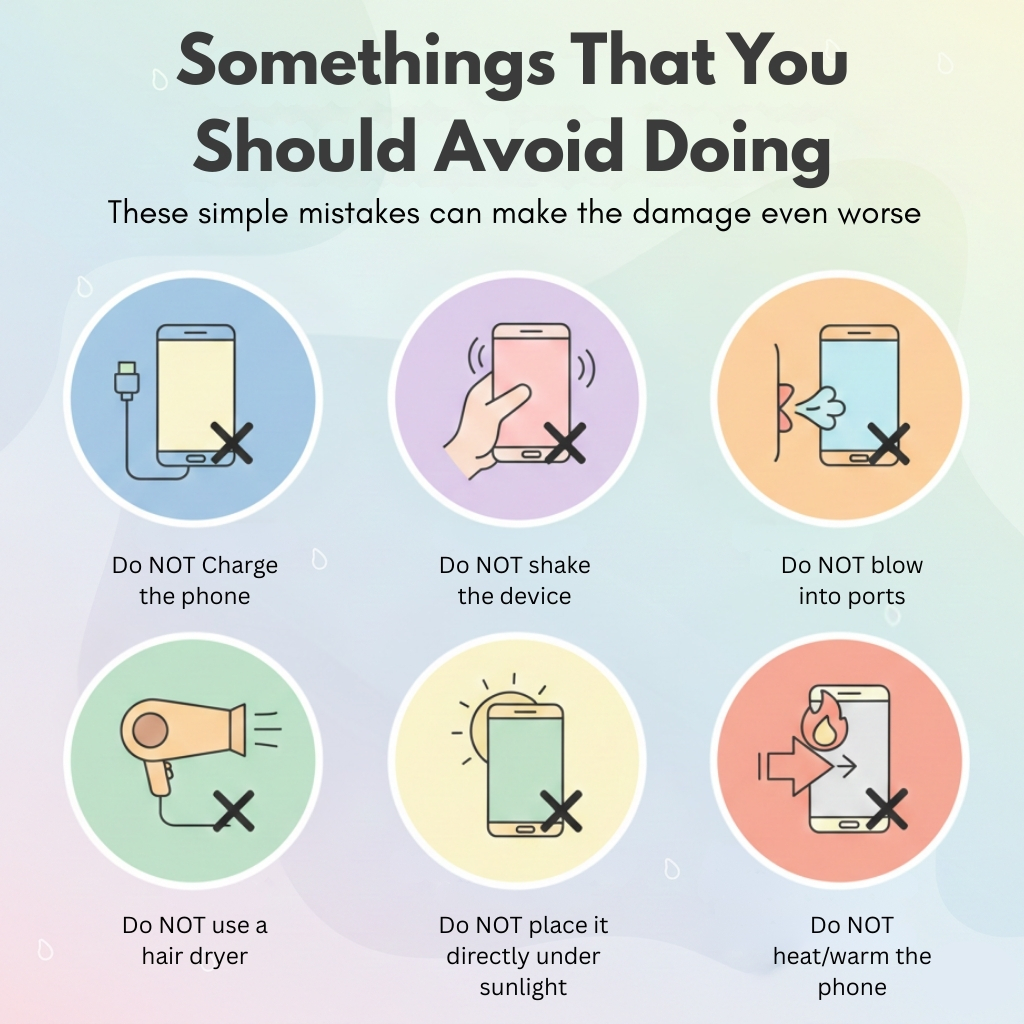
These simple mistakes can make the damage even worse
- Do NOT charge the phone
- Do NOT shake the device
- Do NOT blow into ports
- Do NOT use a hair dryer
- Do NOT place it directly under sunlight
Any kind of heat or pressured airflow can push the moisture deeper into the phone.
Best Techniques to Remove Moisture from Your Phone
1. Silica Gel Packets (Best Method)
Silica packets can be easily found in the new shoe boxes or any electronics packaging
Steps:
- Place the phone in an airtight container
- Surround the phone with 6–10 silica packets.
- Seal and leave it for 1 to 2 days.
Silica will help in absorbing the internal moisture.
2. Air-Dry Method
If silica is not readily available, you can :
- Leave the phone in a cool, dry place
- Place it on an absorbent cloth or tissue
- Avoid any kind of direct heat sources
Is the Rice Method Useful?
The rice method is quite popular, but it is neither very effective nor recommended. When you place your phone in rice, it only absorbs surface moisture and cannot reach the internal components of the device. In addition, rice flour dust can enter the phone, and there is a high chance it may damage the charging port, speaker, and earpiece. On the other hand, silica absorbs internal moisture more effectively and provides better results overall.
When to Switch Your Phone Back On
After at least 24–48 hours of drying:
- Check out the ports and screen for any moisture
- Turn on the phone
- Test core features:
If any of the above features are not working, you may require professional assistance.
Signs That Damage Still Exists
Even after drying your phone, your phone may show :
- Foggy camera lens
- Flickering screen
- Slow charging
- Distorted sound
- Overheating
- Random restarts
These signs suggest that your phone still has moisture or internal corrosion.
When to Visit a Repair Technician
Visit a professional when:
- The phone doesn’t power on
- Buttons are not responding
- The display is showing glitches
- The charging port has stopped working
- The Device keeps restarting itself
If repairs aren’t cost-effective or your phone still has issues after professional cleaning, CashMyCell provides a convenient way to get value from your device, even if it’s not fully functional.
How to Prevent Water Damage in the Future
Protecting your device from damage is much easier than fixing it later :
- Use a waterproof case
- Keeping your phones away from sinks, pools, and bathrooms
- Carry along waterproof pouches with you while travelling or during monsoons
- Avoid using your phone with wet hands
- Never charge a wet phone
FAQs
1. Can I use a hair dryer to remove moisture?
No. Hair dryers can blow the moisture even more deeply, and the heat from the dryer can damage sensitive components of your device. Avoid using any heating tools.
2 . Will my data be lost after water damage?
In the case of a mild case, no, but severe corrosion may cause data loss. The moment your phone turns on, you should back up your data immediately.
3 . Will putting my phone in the sun dry it faster?
No. Direct sunlight can overheat your device and damage its internal components. It can also bend the screen or the battery. Always try to dry your phone in a cool, shaded area.
4. Can water damage affect the battery long-term?
Yes, even if the phone powers back on, exposure of the phone to moisture can cause gradual corrosion, which may lead to reduced battery life, overheating, or charging issues over time. If you notice abnormal heating or rapid battery drainage, you should have it checked by a technician.
Conclusion
Water damage doesn't mean the end of your phone. With swift action and careful drying methods, many devices can be easily saved. If performance issues of your device continue even after drying it, taking professional help is the best option. Staying prepared and protecting your phone during the day-to-day use will always be helpful. If your phone still isn’t working after water damage, don’t let it go to waste. You can sell your damaged phone on CashMyCell and get instant value with fast pickup and fast payment.