Slow phone charging is one of the most common issue which almost affects every smartphone at some point. When you plug in your phone, you expect its battery to boost quickly, but the battery percentage is hardly moving. In most cases, slow charging is not caused by a serious fault; it is generally related to charges, cables, settings, temperatures or daily usage habits.
In this article, we will talk about why your phone is charging slowly and how you can speed things up safely.
1. Using the Wrong Charger or Adapter
One of the most common reasons for slow charging is using a charger which is not supplying enough power.
Many of the modern smartphones require you to have fast charging adapters (18W, 25W, 33W, or higher). If you are using an older charger or low-watt adapter, your phone will charge at a normal speed even if it supports fast charging.
This often happens when:
- When you use an old charger from a previous phone
- You charge from a power bank or a car charger
- You use uncertified third-party adapters
2. Faulty or Low-Quality Charging Cable
Even if the adapter is powerful, a poor cable can slow down your charging. The charging cable can wear out internally over a period of time. A damaged or low-quality cable may still be charging your phone, but it can limit the power flow, which can, in turn, result in slower charging speeds.
Some of the signs of problematic cable may include loose connections, charging interruptions or heating near the cable ends.
3. Dirty or Blocked Charging Port
The charging port gets dust, lint and pocket debris over a long period of time. This prevents the cable from making a proper contact with the charging pins.
When the connection is weak, the power delivery generally drops, which leads to slow or inconsistent charging.
Common signs include:
- The cable does not fit easily
- Phone charging only at certain angles
- Frequent disconnections during charging
4. Phone Is Overheating
Heat is one of the biggest enemies of fast charging. When your phone gets too hot, the system of your device automatically slows down the charging to protect the battery. These safety features help in preventing long-term damage, but make the charging significantly slower.
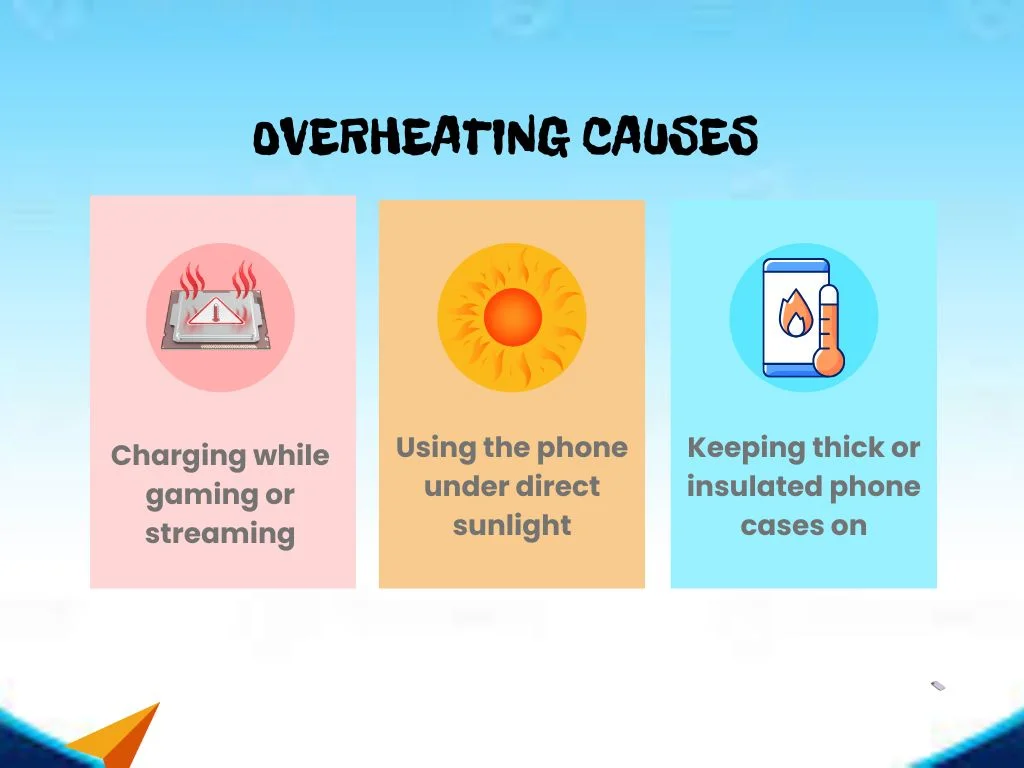
Overheating can happen when:
- Charging while gaming or streaming
- Using the phone under direct sunlight
- Keeping thick or insulated phone cases on
5. Using the Phone While Charging
Charging slows down considerably when you are using the phone actively. Apps and activities consume power while charging, which decreases the net energy going into the phone battery. In some of the cases, the battery will drain faster than it is charging.
High-impact activities include:
- Gaming
- Video calls
- Navigation and GPS use
- Hotspot and Bluetooth usage
6. Too Many Background Apps Running
Even when your phone seems to be idle, background apps can constantly consume power. Social Media syncing, cloud backups, location tracking, and notifications use a lot of energy. When this happens during the charging, it slows down the overall charging process.
This issue is more commonly seen on older devices or phones with limited battery capacity.
7. Battery Health Has Degraded
Lithium batteries degrade naturally over a period of time. As the battery health decreases, charging speed may be reduced as a protective measure. Older batteries:
- Heats up faster
- Hold less charge
- Accept power more slowly
The phone generally decreases the charging speed on purpose to prevent any further damage.
8. Fast Charging Is Disabled in Settings
Many phones let users turn fast charging on or off. If the fast charging is disabled, your phone will charge at a normal speed even with a compatible charger. This setting is generally found in battery, power or device care menus. Sometimes, the fast charging is automatically turned off after a software update or reset.
9. Software Bugs or Outdated System
Software plays an important role in the charging speed. Bugs, system glitches or outdated operating systems can interfere with power management. In some cases, charging issues can easily be resolved by installing the latest software update. Manufacturers regularly optimise the performance of charging through updates.
10. Charging Through USB Instead of a Wall Socket
Charging your phone from a laptop or a desktop USB port gives less power than a wall charger.USB ports generally provide lower and inconsistent wattage, which makes them unsuitable for fast charging. This method is best for emergencies, not for daily use.
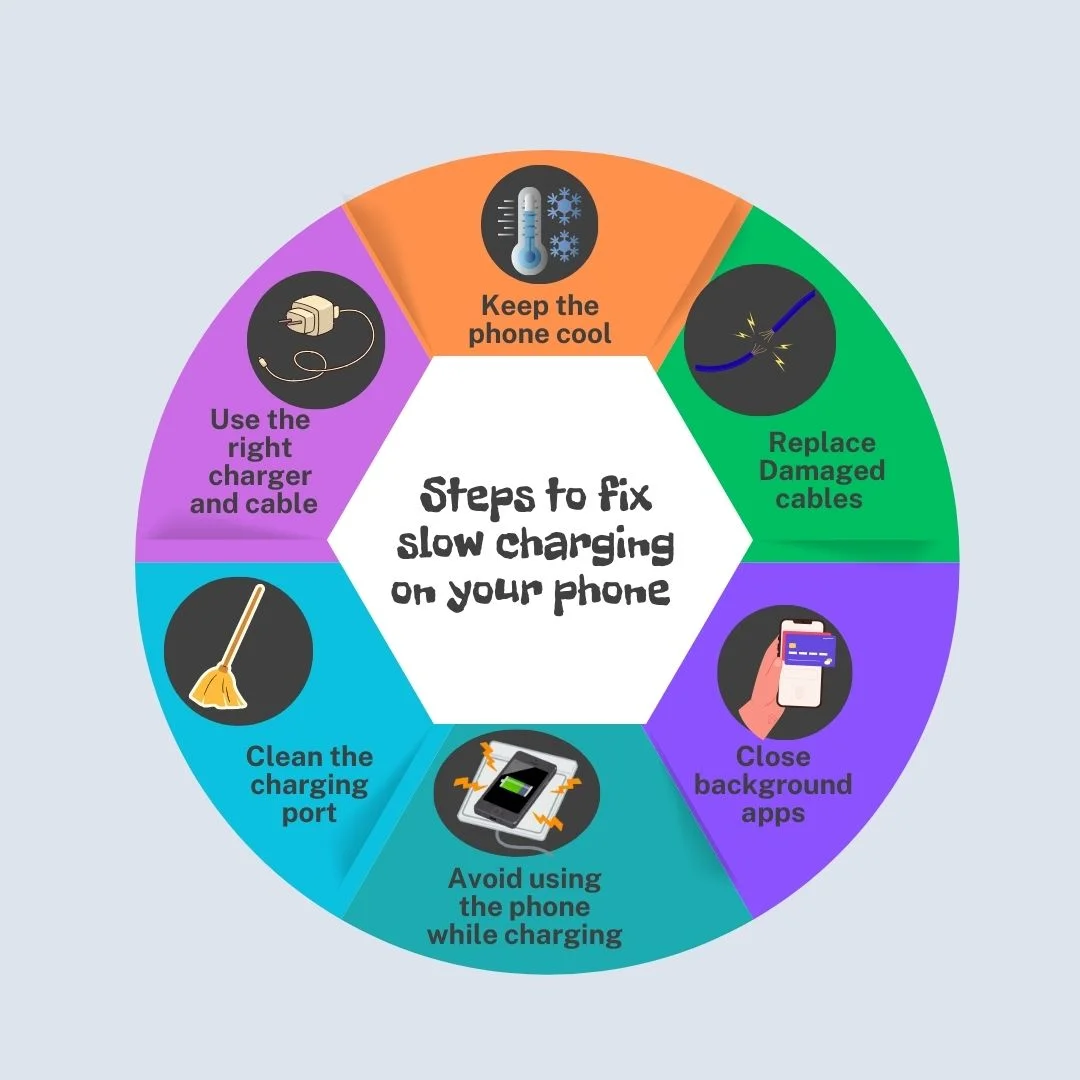
How to Fix Slow Charging on Your Phone
- Use the right charger and cable – Always charge with an original or a certified fast charger, using a good-quality cable.
- Replace damaged cables – Even a minor internal damage can decrease the charging speed.
- Clean the charging port – Any sort of dust or lint can block the proper power flow.
- Close background apps- Apps running in the background can continuously consume power.
- Keep the phone cool –Remove the thick cases and avoid charging your phone in a hot environment.
- Avoid using the phone while charging - Any kind of gaming, streaming or calls can slow down the charging of your device.
For older Android users facing battery and charging limitations, deciding to sell Google Pixel devices can be a practical step toward better performance.
FAQs
1. Does wireless charging affect charging speed?
Wireless Charging is usually slower than wired charging due to the energy loss during transmission.
2. Does network signal strength impact charging speed?
Poor network signals can force the phone to work harder, which increases the power usage while charging.
3 . Can moisture in the charging port slow down charging?
Yes. A moisture detection system can limit the charging speed until the phone is completely dry.
Conclusion
Slow charging can be quite annoying, but it is usually manageable with a few careful adjustments. Understanding how your device handles power lets you make better choices which support long-term battery efficiency. Making small changes in the charging habits and routine care can notably improve the overall charging experience for you and help your phone perform reliably over a long period. And if your phone still struggles with charging despite good care and habit changes, CashMyCell helps make sure your device still holds value, making it easier to move on to a better-performing phone.